don’t you just hate it when your vCenter server suspends and enters emergency mode because the vSAN datastore is full? yeah, me too.
to gain access to the console I had to free up some space on the datastore, as you can’t do much when the appliance is suspended.
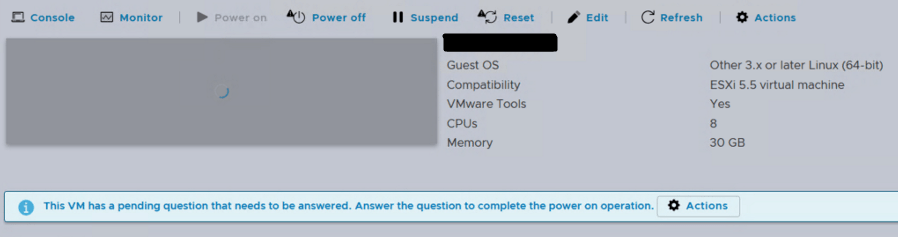
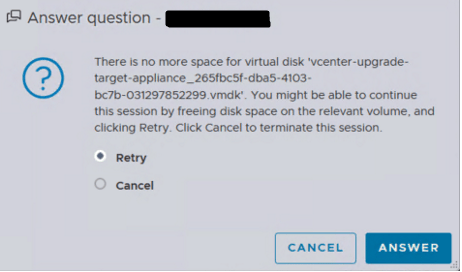
after freeing up enough space to answer the pending question and access the console, this is what it looked like:
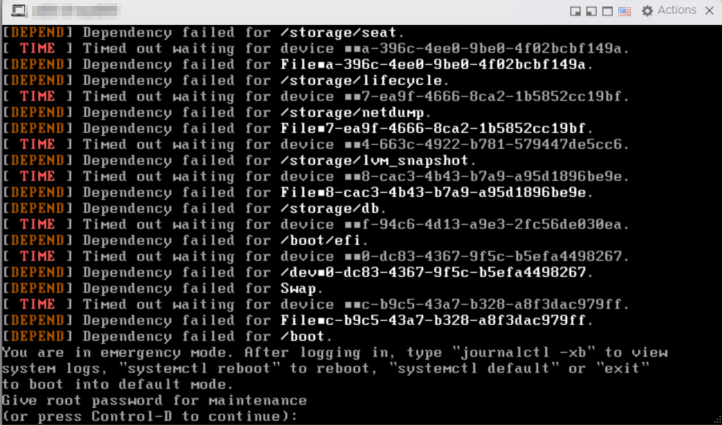
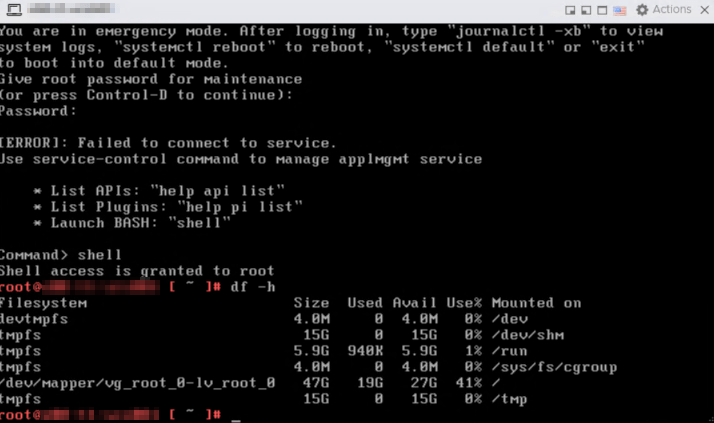
dependency failed for nearly every partion, and the df -h command showed only a few partitions. i verified the correct number of disks were still accessable by running the lsblk command.
the next step was to correct the filesystem. this can be done by running the fsck command in GNU GRUB menu. take a snapshot first.
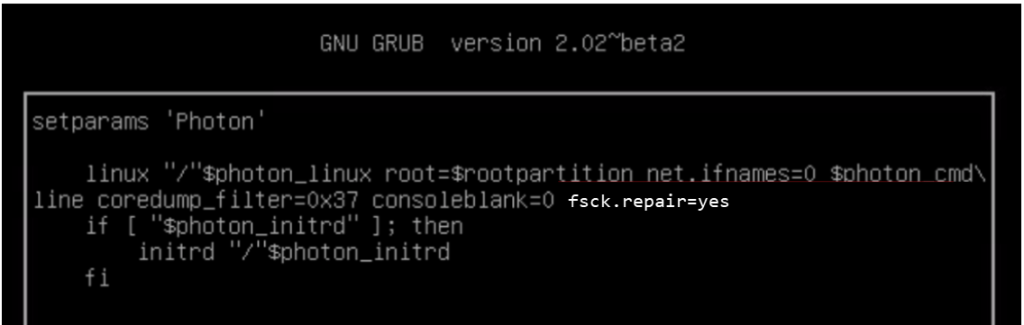
instead of trying to repair every failed partition manually, fsck.repair=yes does it automatically. the command successfully repaired the filesystem and the vCenter was up again!
 vram.blog